
Mindverse makes your notes more intelligent and useful.
Mindverse can use AI already available on your device to understand and enrich what you save. You can also configure a compatible cloud provider when you choose; that provider's pricing and data terms apply.
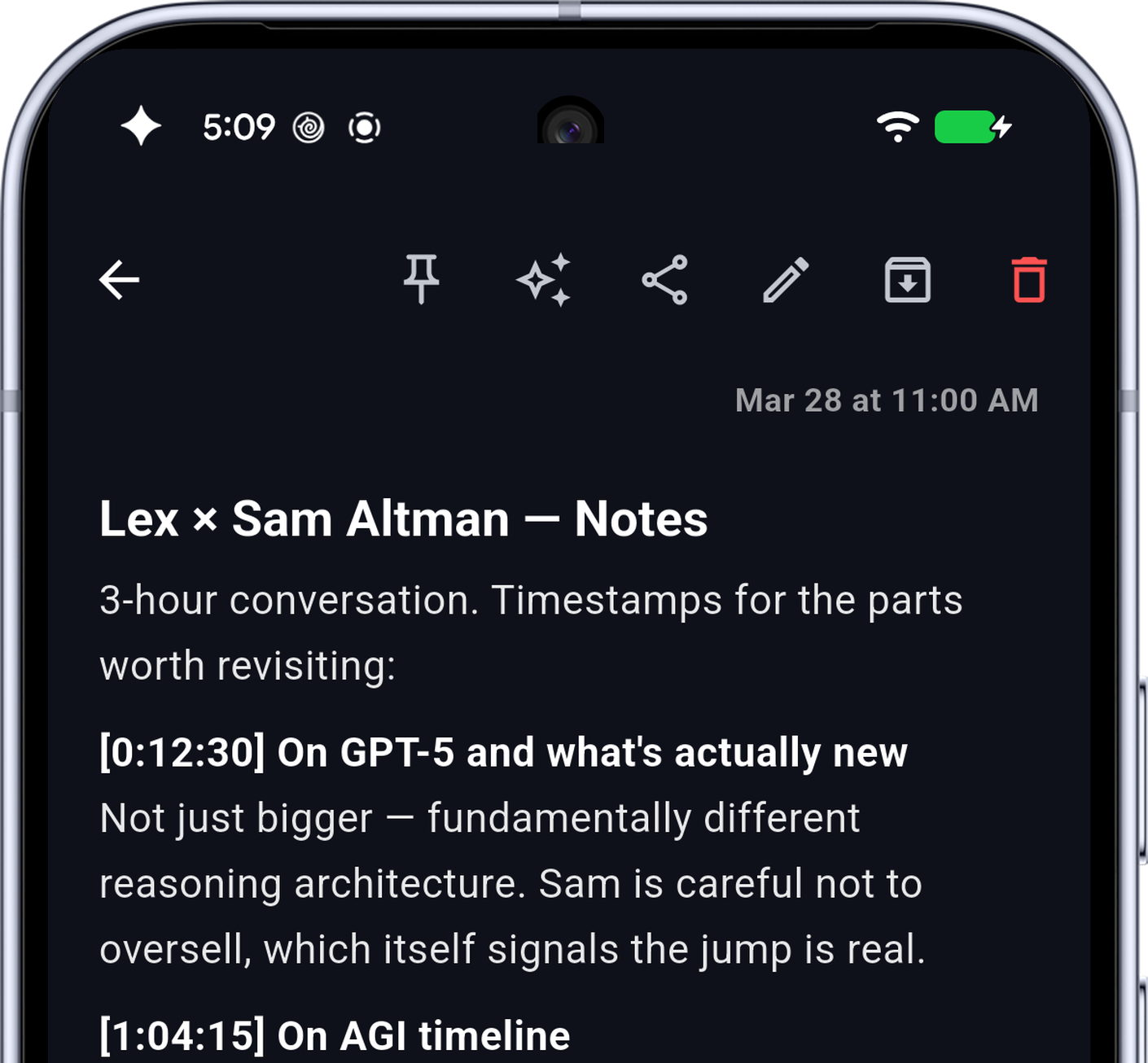
- YouTube videos: Mindverse saves the full transcript, not just the link.
- Articles: Mindverse saves the readable content, not just the URL.
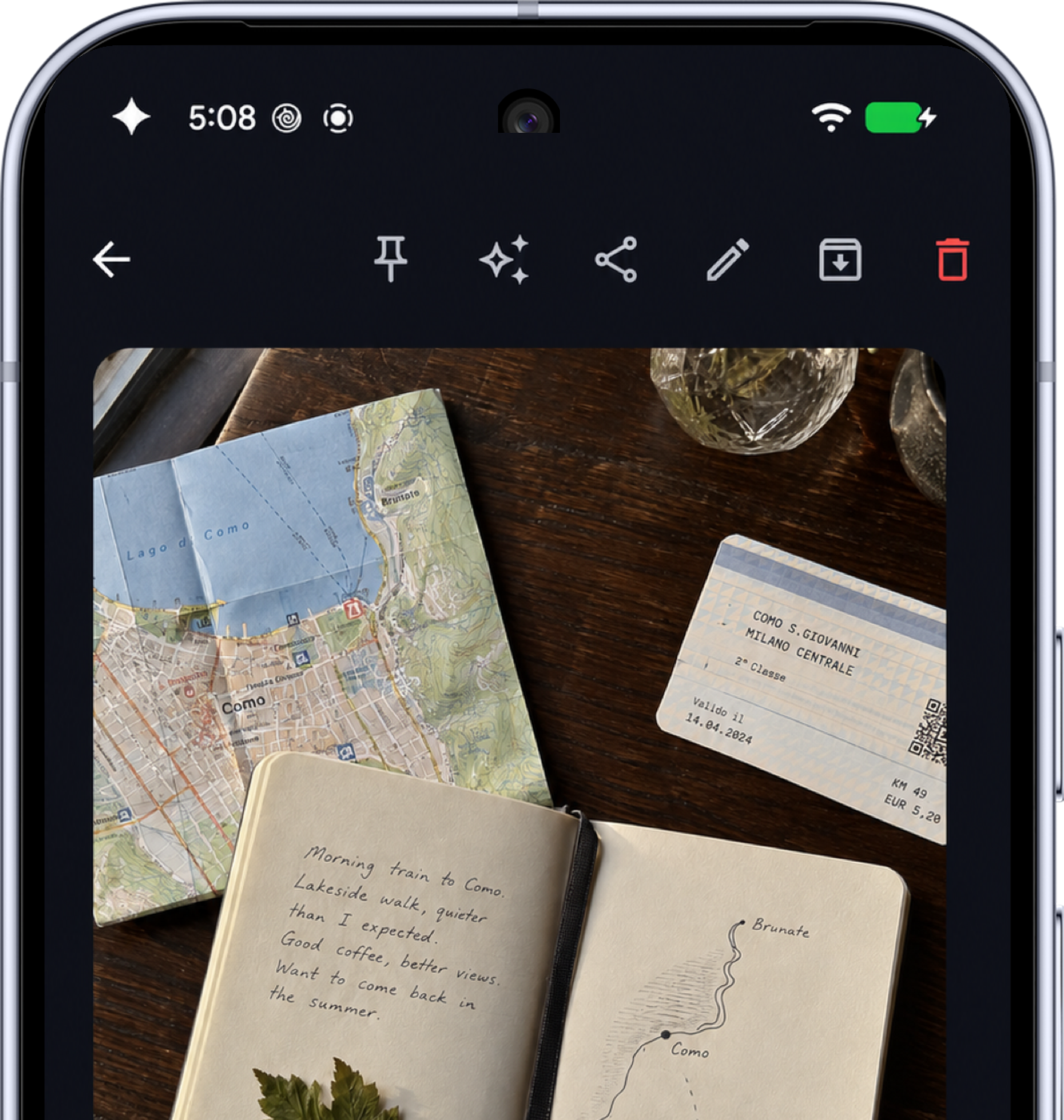
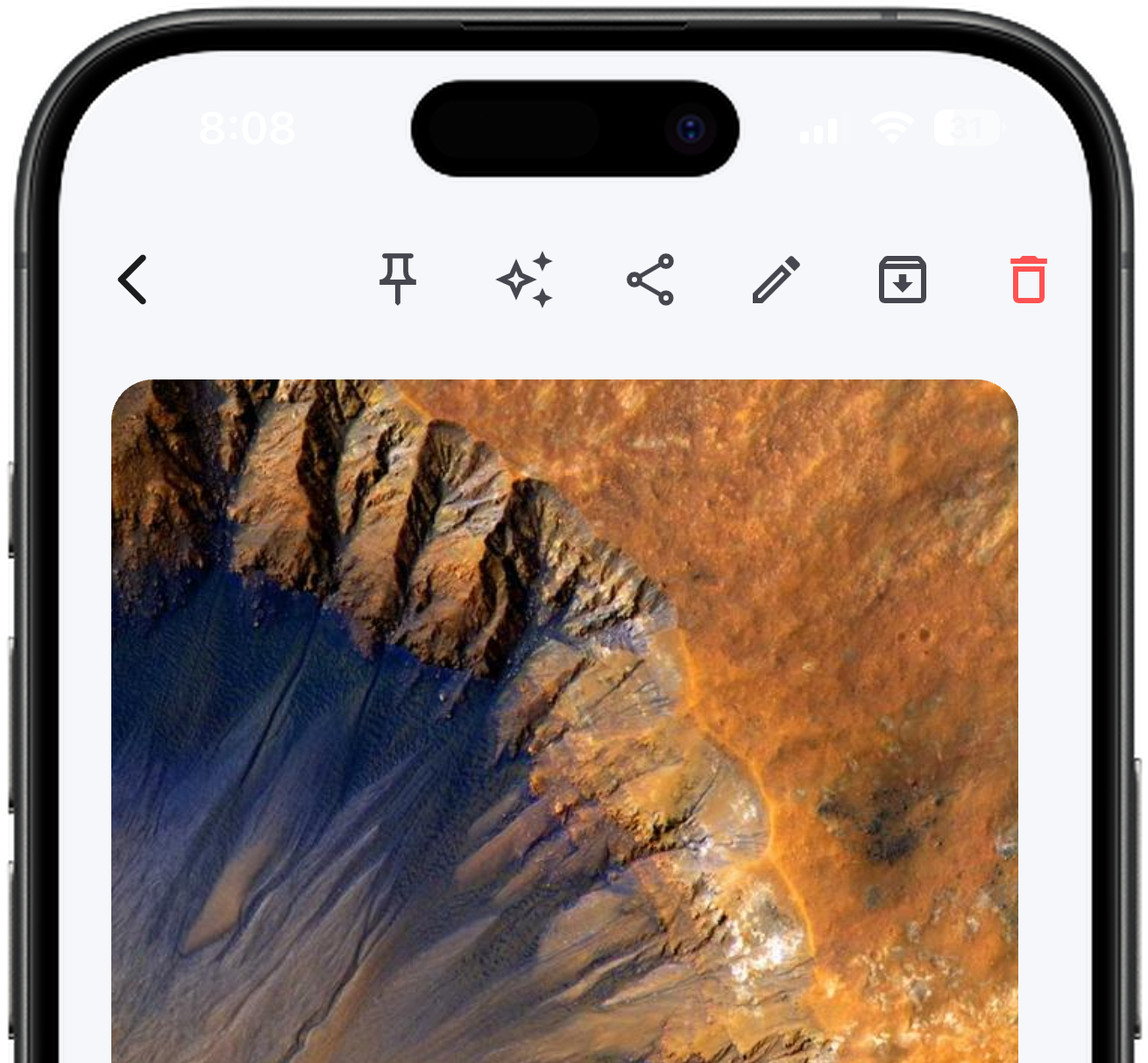
- Photos: Mindverse extracts the text and makes it searchable.
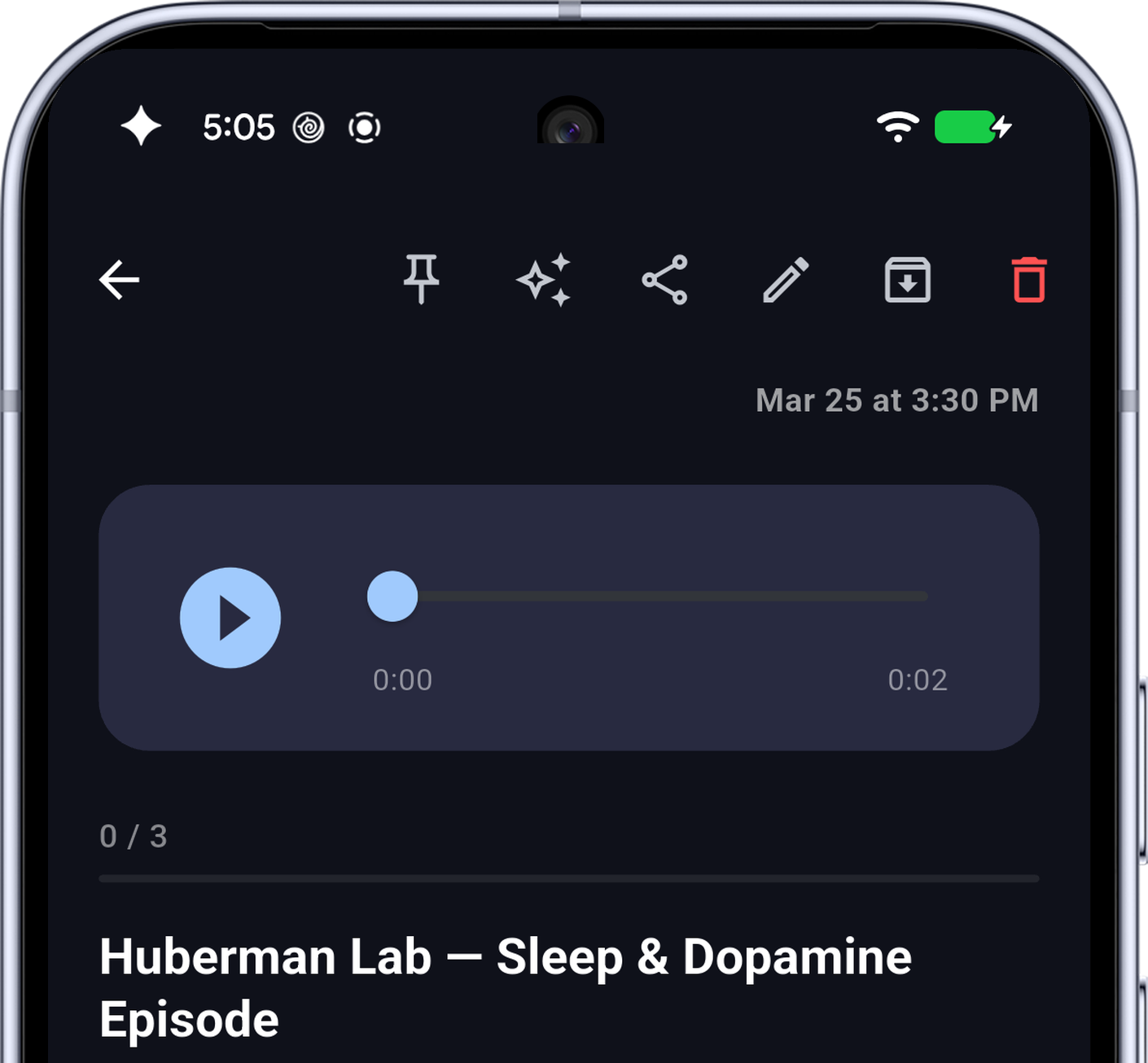
- Voice memos: Mindverse transcribes and organizes spoken thoughts into readable notes on Android.
Everything becomes searchable, ready to ask questions about, and useful long after you saved it.
Save it now. Find it when it matters.
Type, record, photograph, or share from another app. Mindverse keeps more than the raw input: transcripts, extracted text, link context, and useful metadata.
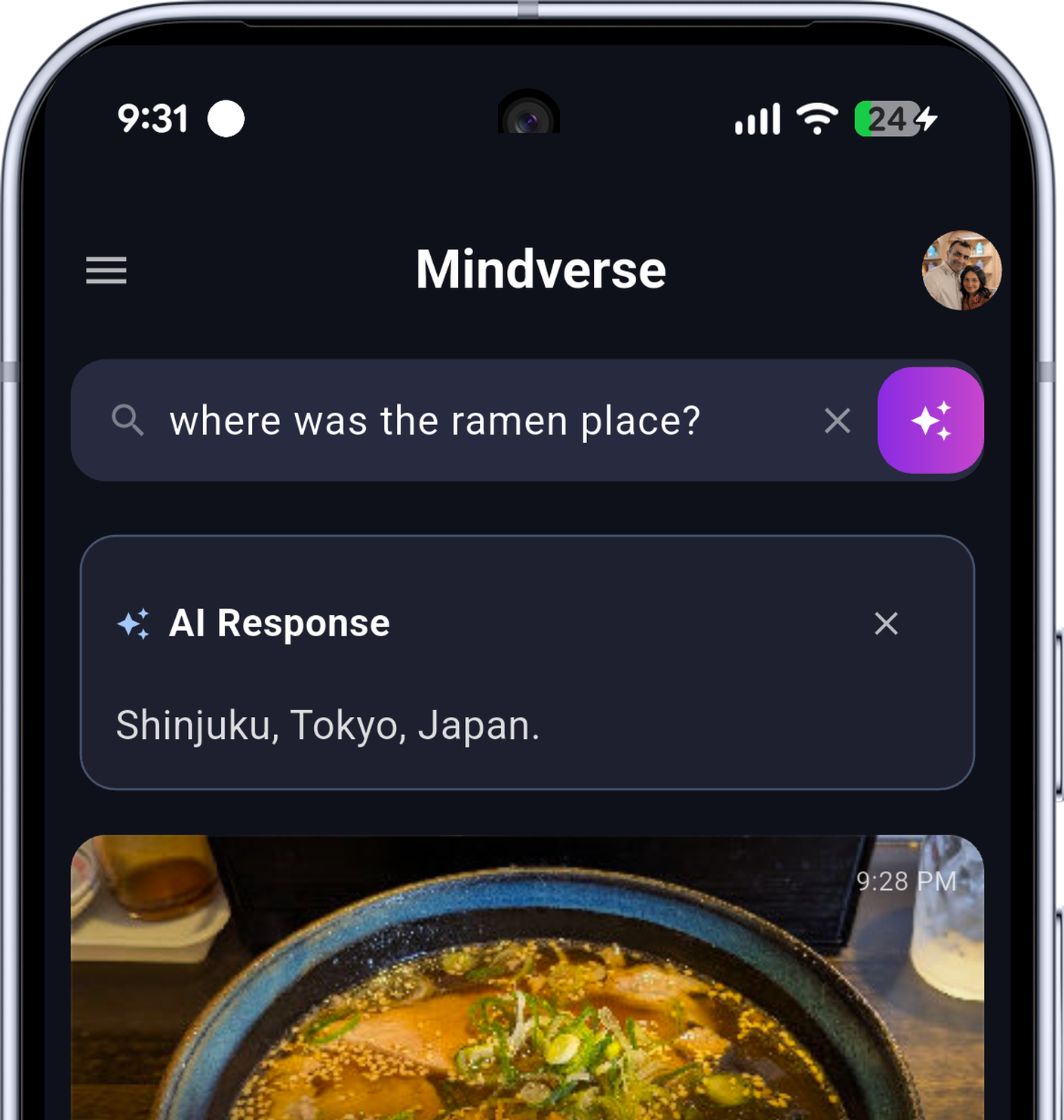
Ask your notes, not the internet.
Ask in plain English and get an answer grounded in what you saved, with the source notes still in view. Mindverse uses each platform's private AI capabilities to process your notes. Compatible Android phones use Gemini Nano; iPhone and Mac use Apple Intelligence where available.
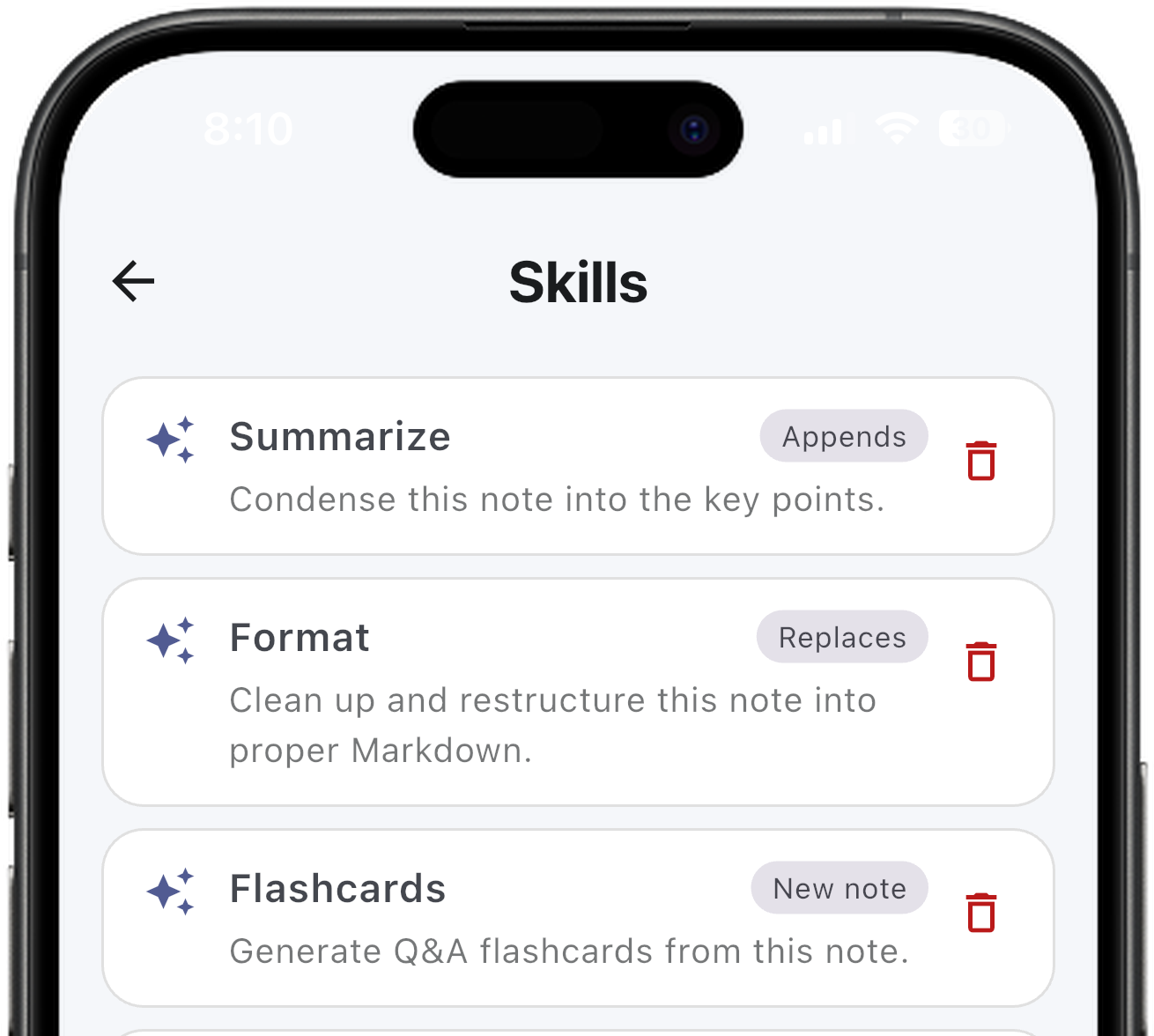
Turn any note into something useful with Skills.
Clean up a voice note, summarize a link, format rough thoughts, make flashcards, turn notes into checklists, or use a one-off prompt.
More room for your thoughts.
Keep your notes list and the note you’re reading side by side on foldables, tablets, and desktop. Drag the divider to find your balance, or expand a note when you want to focus.

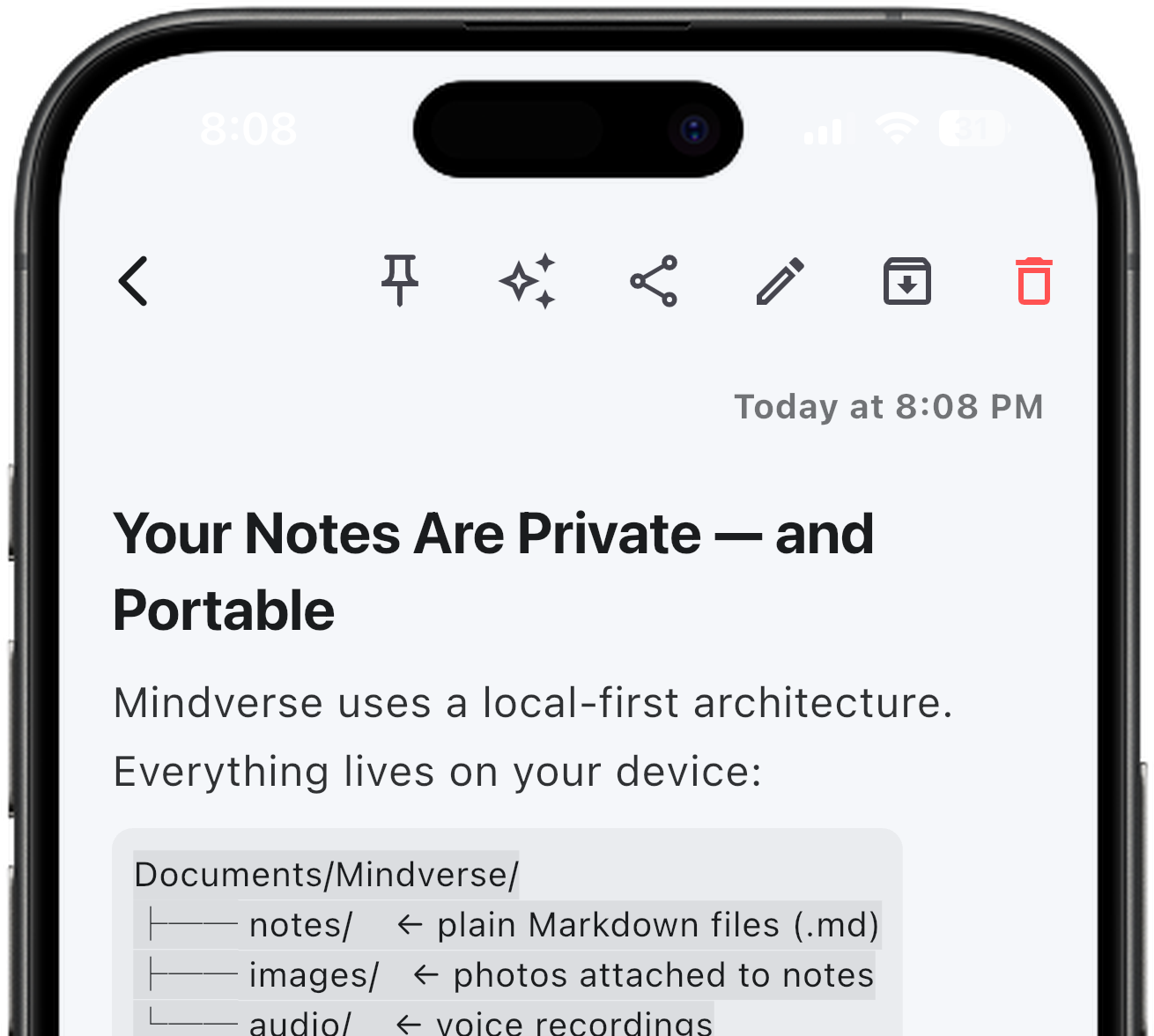
Google Drive sync. No lock-in.
Sync notes, photos, and voice recordings across your devices through your own Google Drive, not Mindverse's servers. Every note remains a plain Markdown file on your device, so you can open it in other tools, keep a readable backup, or leave Mindverse without leaving your notes behind.
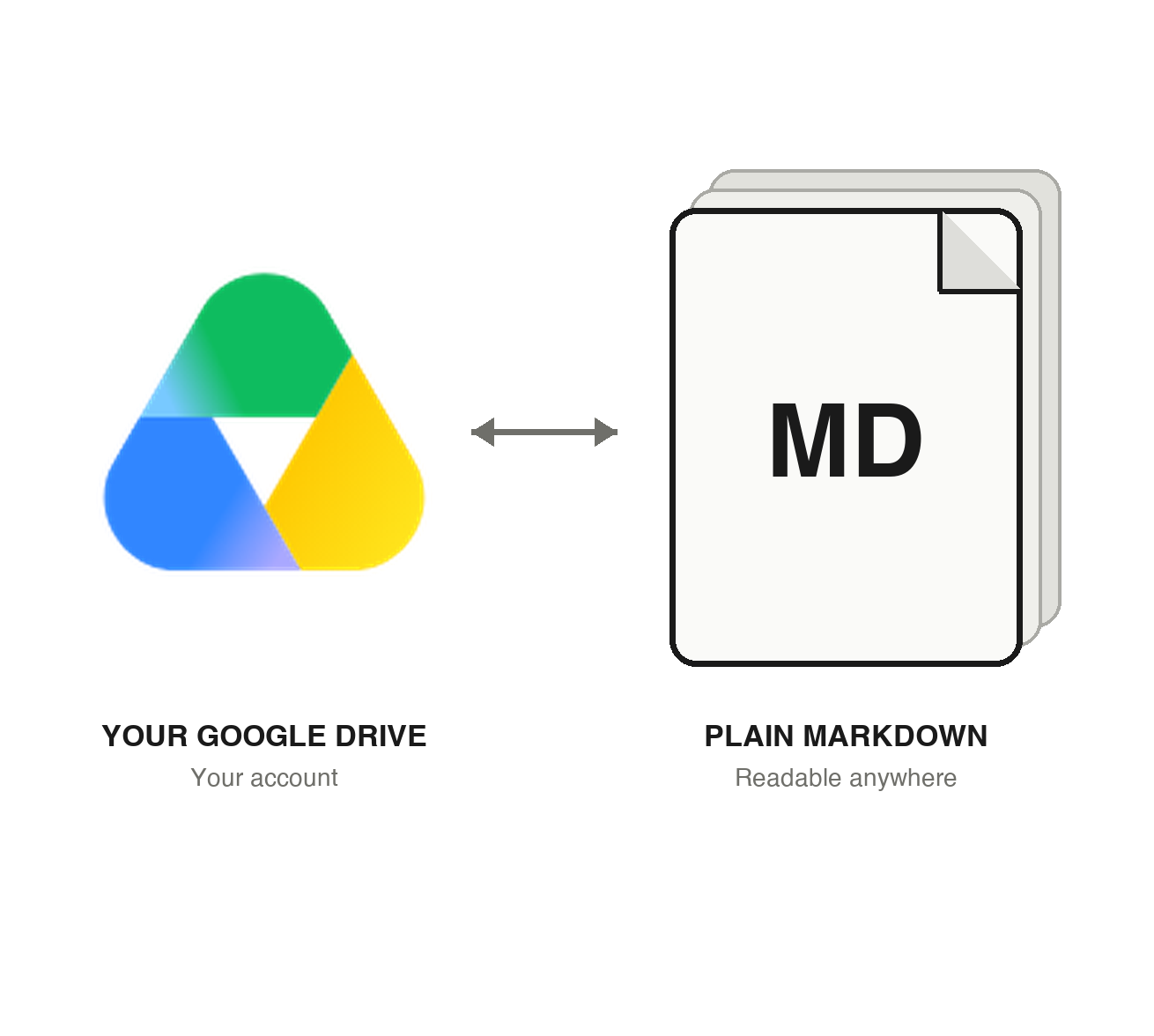
One memory, across your devices.
Your memory stays with you across Android, iPhone, and Mac, with notes synced through your own Google Drive.
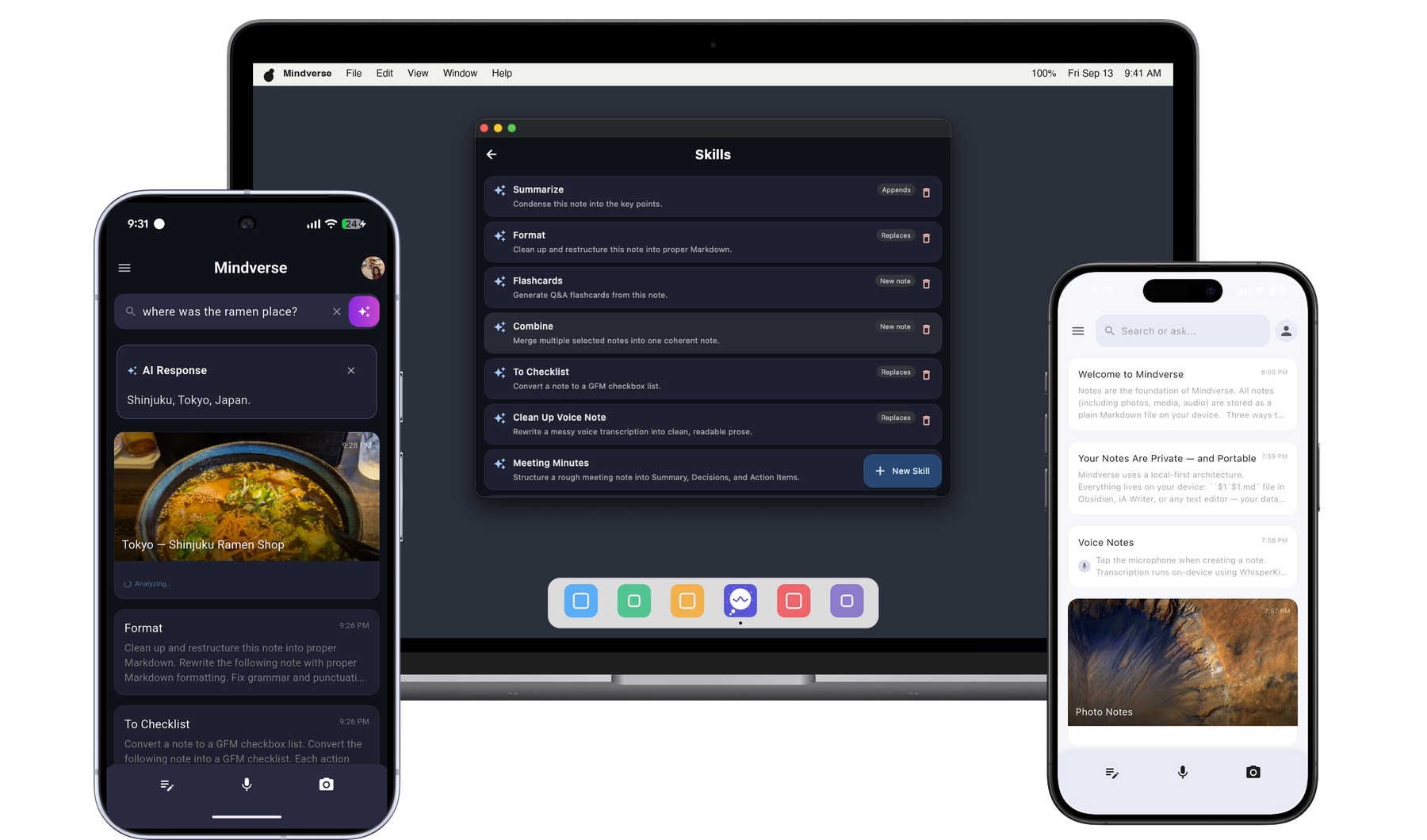
Ready for the tools around it.
Use App Intents on Apple devices, AppFunctions on Android, or the local MCP server on Mac. Mindverse makes your notes useful to the tools you choose without changing who owns the data.
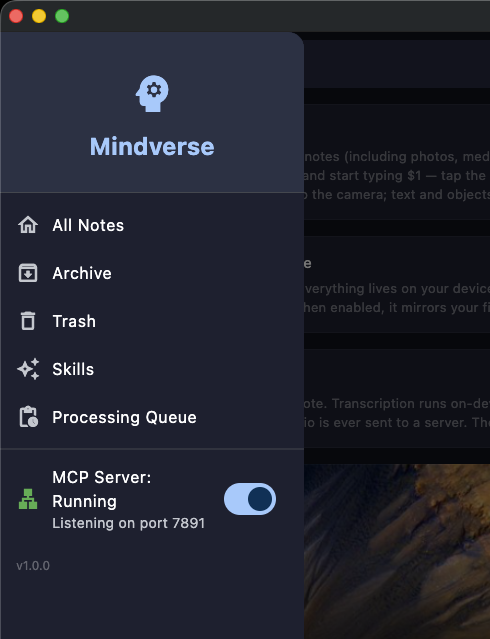
Free to use. Yours to keep.
Mindverse's current features are free, including on-device AI, Skills, Google Drive sync, and portable Markdown files. Mindverse does not charge per request or per token for on-device AI. If you configure an optional cloud provider, that provider's own pricing and data terms apply. No paid Mindverse plan or price is currently being advertised.